Add Supplier to the Portal
- Login to Stripe https://dashboard.stripe.com.
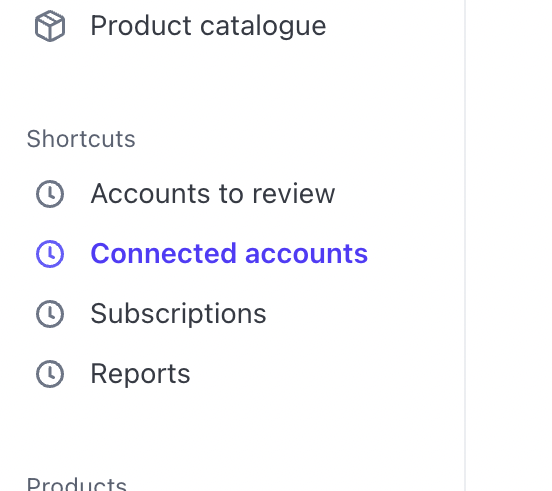
- Click on Create Connected Account
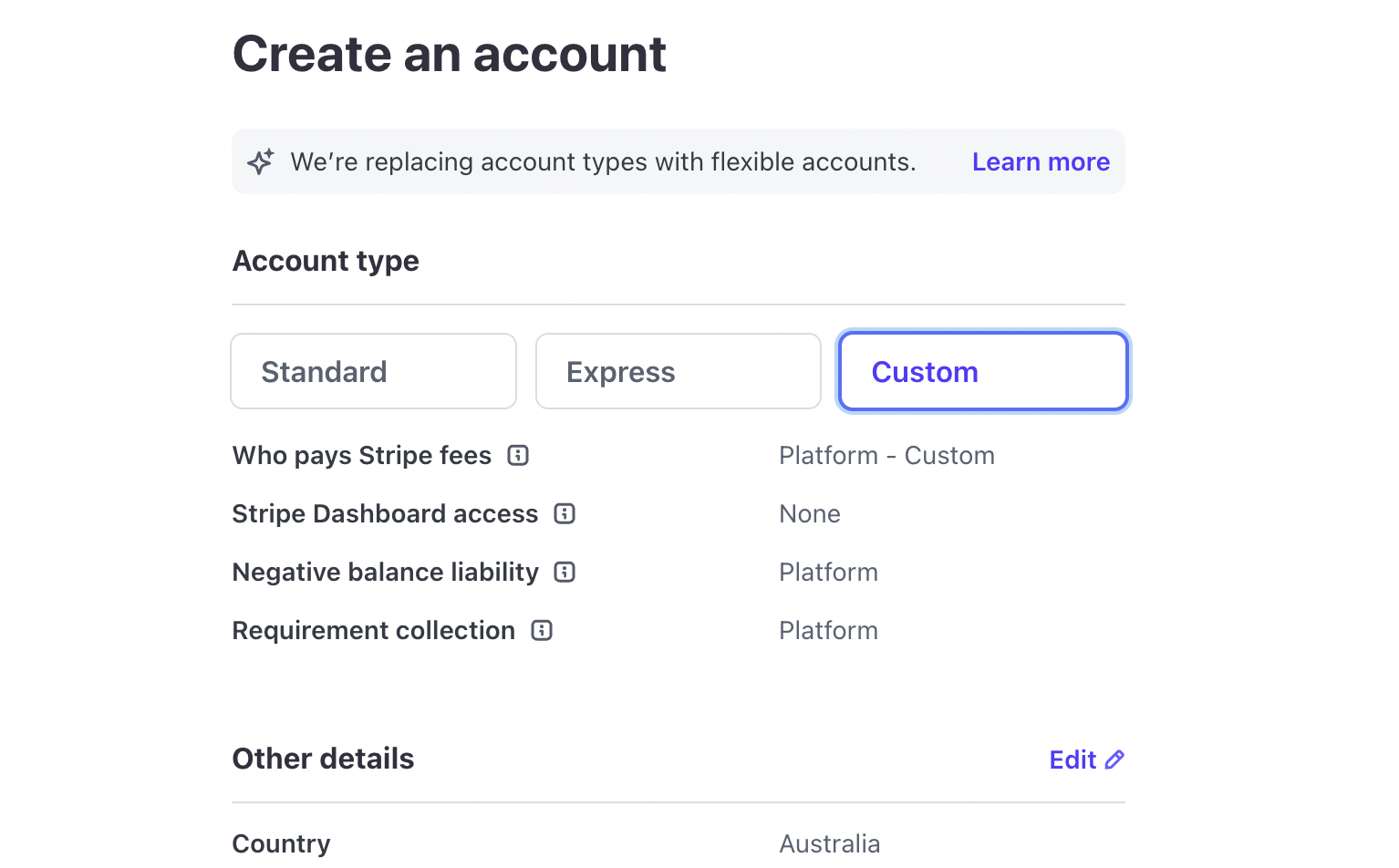
- Select Custom flow:
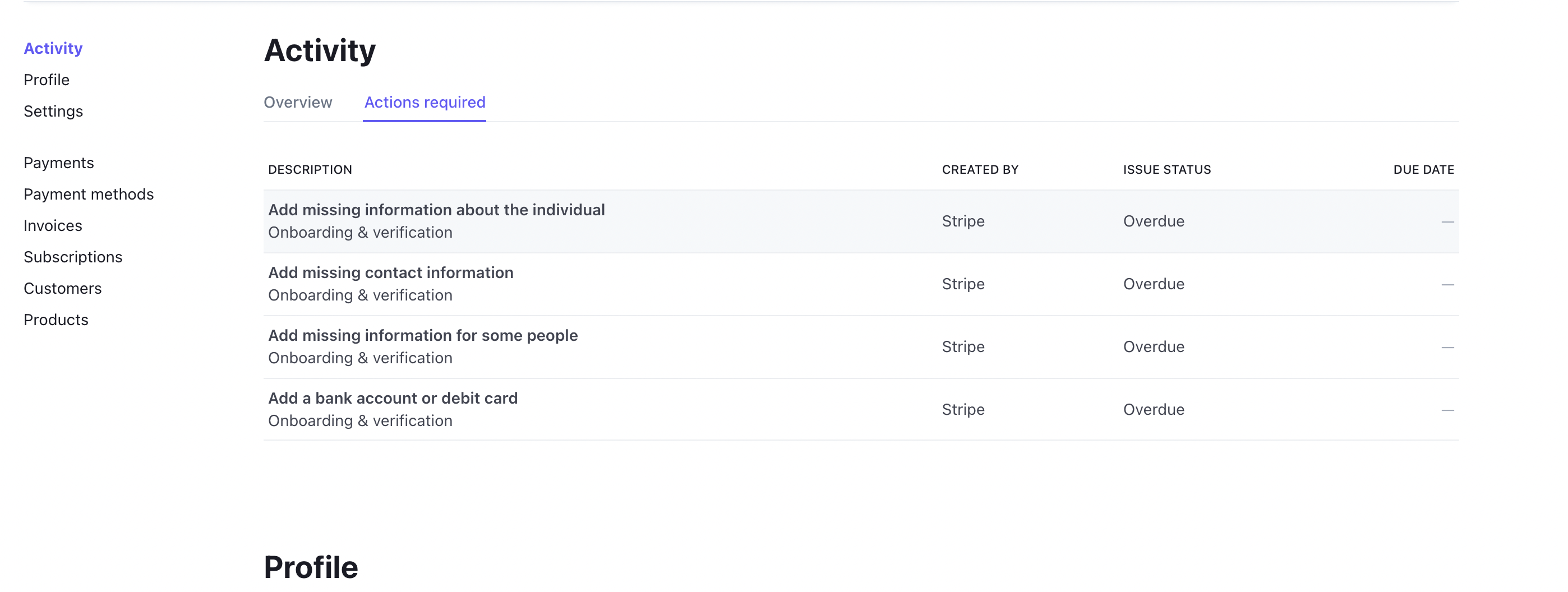
- Fill up all action required fields:
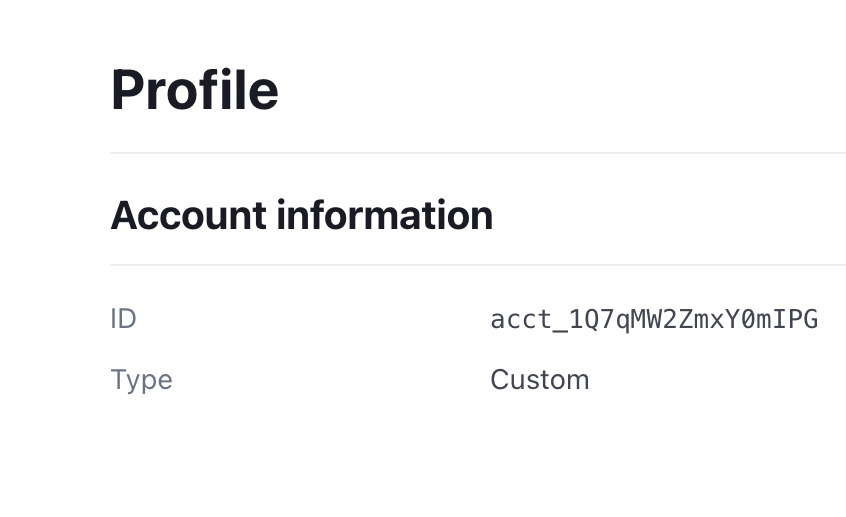
- Go to Profile section and copy Profile ID:
Create a Supplier in Admin Portal
- Go to https://admin.agoramarketplace.com.au/suppliers
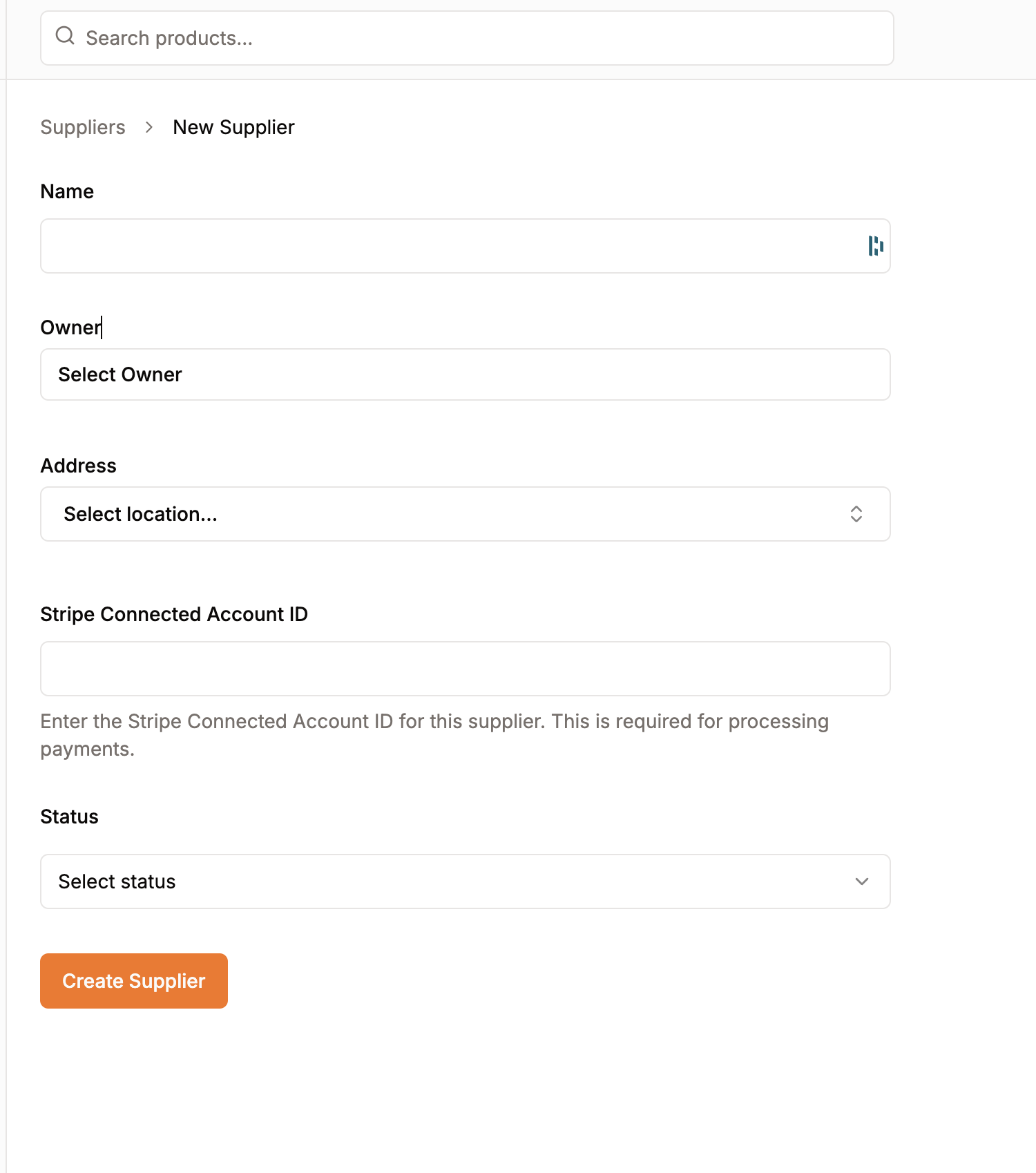
- Click on Create Supplier
- Fill up the form and click on Create
A new supplier is now available at https://admin.agoramarketplace.com.au/suppliers.